GB
  
You are currently viewing the United Kingdom version of the site.
Would you like to switch to your local site?
19 MIN READ TIME

Amazing projects for your Mac, iPhone & iPad

Great ways to get more from all your Apple gear

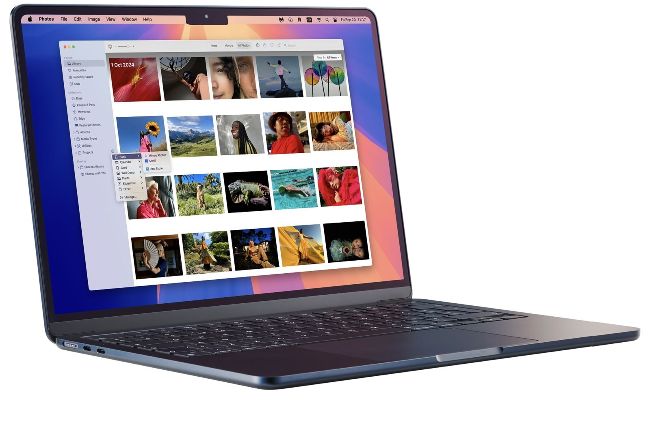
Create a photo book
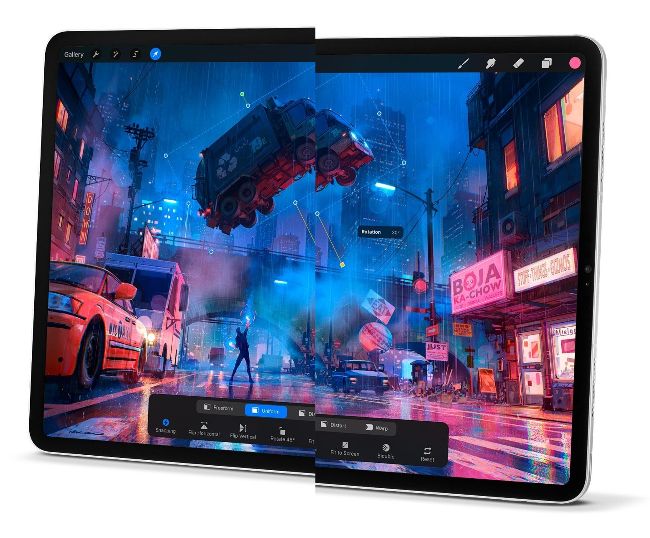
Illustrate with iPad
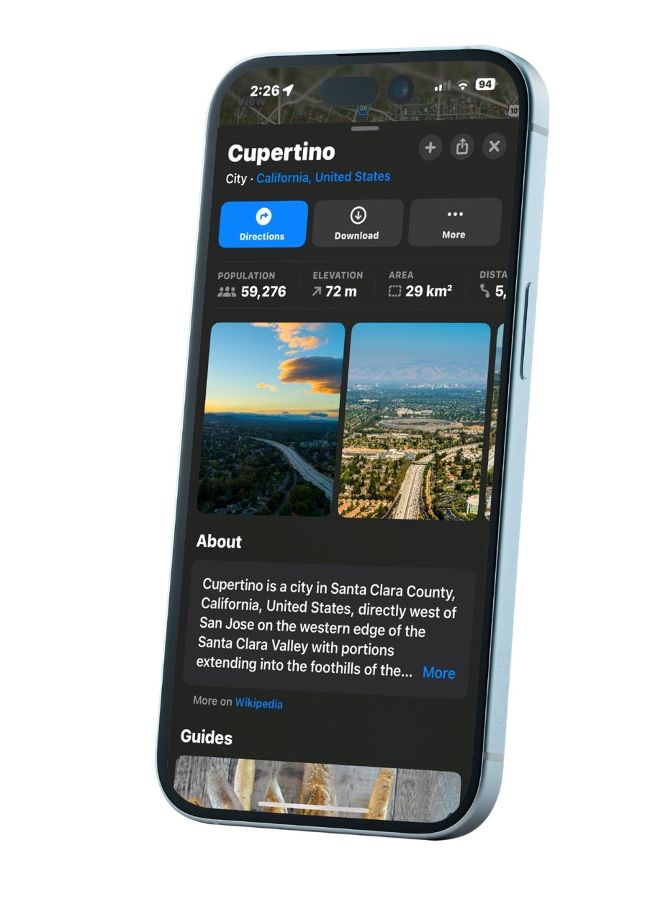
Plan your next holiday

Remember that now-infamous Apple advert, showing an entire creative studio suite being crushed and replaced by an iPad? It proved controversial among content creators, but its underlying message was clear; your iPad – and other Apple gear – can do an amazing amount of things.

In this feature, we’re going to explore exactly this (the creation bit, not the crushing), as well as throwing in a few general tips and tricks you might not know about. Whether you’re making a podcast, or recording a meeting of lecture for later perusal, writing a letter to your bank manager in Pages or working on your first novel in Scrivener, making a ringtone for your iPhone or recording the next chart hit, your Apple devices can get the job done. So let your creative juices flow as you explore some of the great projects you can try out with your Mac, iPhone and iPad.

All the apps featured here are designed to make the experience of embarking on a new project as easy and fun as possible, so take a look through the options, and try your hand at a brand-new skill or venture with your Apple device.

Record a podcast

Before investing in equipment, try GarageBand to record an interview

Regular readers of our reviews section shows will know that you can buy all sorts of gadgets and gear for recording podcasts. But if you’re a complete beginner, you already have everything you need to make your first show. GarageBand is free on Mac, iPhone and iPad and is a great way to get started.

Open GarageBand on your chosen device, and start a new project. On a Mac, when asked to create a track, choose Mic or Line for recording audio for a podcast. Click Create, and you’re away. The controls you need, such as Record,

Stop, and Play Back, are all in the app’s menu bar. Then, when you’re done, choose the Share option in the menu bar, then ‘Export Song to Disk’ to save it in a format of your choice.

It’s a similar story if you’re using GarageBand on a mobile device. First tap the ‘+’ to start a new project, then select the Audio Recorder option. You can then record your podcast using the iPhone’s or iPad’s in-built microphones. You get to choose from some great effects such as Monster, Robot, Bullhorn and Sci-Fi, or just record your voice using the Clean option.

When you’ve recorded a podcast, you can submit it to Apple for inclusion in the Podcasts app at podcastsconnect. apple.com. Your work then has the potential to reach millions of listeners.

Naturally, there are some great third-party apps for creating podcasts such as Riverside, Podbean and Streamyard, and as you become more experienced as a podcaster you might want to use external microphones, headphones and other such home studio gear. But for your first podcast, all you need is an Apple device, an internet connection and a little imagination.

4 great podcast accessories

Shure MV7+ Podcast Mic

> £269

> FROM shure.com

> It’s a good idea to invest in a decent microphone. The Shure MV7+ is easy to use, and boasts excellent audio quality and noise reduction. For connectivity, it has dual USB-C and XLR outputs, a quick mute function and three styles of onboard reverb.

Edifier MR4 Powered Studio Monitor 2.0

> £109.99

> FROM edifier.com

Unlock this article and much more with
You can enjoy:
Enjoy this edition in full
Instant access to 600+ titles
Thousands of back issues
No contract or commitment
Try for 99p
SUBSCRIBE NOW
30 day trial, then just £9.99 / month. Cancel anytime. New subscribers only.


Learn more
Pocketmags Plus
Pocketmags Plus

This article is from...


View Issues
MacFormat
December 2024
VIEW IN STORE

Other Articles in this Issue


Mac FORMAT
hello
Just as we were going to press on
Mac FORMAT
MacFormat, Future, Quay House, The Ambury Bath, BA1 1UA
APPLE CORE
Apple’s ‘exciting week of announcements’ revealed
HOT TOPIC!
Tiny, but mighty Mac mini
Apple’s most affordable desktop shrinks in size, but grows in power
M4, M4 Pro and M4 Max
After first making its debut inside the iPad
Amazing new iMacs
More power, more features and bolder colours too
All-new MacBook Pro
Apple’s ‘pro’ notebook get new chips and Thunderbolt 5
New Magic accessories
As well as new Macs, Apple updated its
New iPad mini on sale
A new Apple Intelligence-ready version of Apple’s smallest
StopTheMadness Pro £14.99
Restore sanity to your web search experience
Paired: Couples & Relationship
Image credits: Jeffrey Johnson, Parlophone Records Ltd/Coldplay, Little,
Balatro
£9.99 Think you know cards? Balatro mixes
NEODUEL: Backpack Monsters
£9.99 Think Pokémon meets deck-building. Collect creatures
Media Picks
What you should be playing and reading this month
Crave
THE GEAR WE’RE LUSTING AFTER
John-Anthony Disotto…
WITH NOT MUCH TO SHOW BETWEEN NEW RELEASES THESE DAYS, IS IT TIME FOR APPLE TO CONSIDER AN IRREGULAR iPHONE UPGRADE CYCLE?
The iPad mini in NUMBERS
Discover the key facts and stats behind Apple’s littlest iPad
How green is your AI?
Artificial Intelligence has a sustainability problem – here’s why
FEATURE
The ultimate Christmas gift guide
Spoil yourself and your loved ones this Christmas by treating them to some great gadget gifts
What’s hot for Apple Watch
Make your Apple Watch better than ever with these great new features
Fitness & Activity
watchOS 11 makes it even easier to track and achieve your fitness goals
Vitals & other features
It’s now even easier to track multiple health indicators at once
APPLE CHOICE
BUYING ADVICE Our authoritative reviews help you
APPLE SKILLS
> Master Apple shortcuts
macOS > Cmd is the Command key.
Master the Passwords app
Manage and share passwords in macOS Sequoia’s new password manager
Boost Privacy settings
Keep your system safe with Sequoia’s rock-solid security
Smarter ways with windows
Explore how to organise your Mac desktop in macOS Sequoia
Mirror your iPhone
Discover how to remotely control your iPhone on your Mac
Apply different styles
Change the way your photos look before and after you shoot
Move Spotify playlists to Apple Music
Transfer your tunes in just a tap
Give your iPhone a whole new look in iOS 18
Make your iPhone uniquely you
Use GarageBand extensions
Enjoy more instruments and more effects, and have more fun!
Emergency SOS via satellite
Discover Apple’s way of helping if you find yourself off the grid
GENIUS TIPS
GENIUS TIPS
EXPERT ADVICE Our resident genius solves your Mac
iOS software
Swipe away your touchscreen troubles and rekindle your love of Apple’s mobile devices
Mac hardware
We help to solve your hardware hassles, from interrupted upgrades to running diagnostics
macOS
Shine a spotlight on the solutions to your most irritating Mac problems
APPLE CHOICE
iPhone 16
Apple Intelligence-ready smartphone for the rest of us
Apple Watch Series 10
10th anniversary Watch is now slimmer with an even bigger display
AirPods 4
Apple’s most affordable AirPods remain a brilliant buy
We. HEAR Pro
Room-filling sound from this stylish wireless speaker
Elgato Key Light Neo
Spruce up your video calls
HiDock H1
An impressive 11-port AI audio dock for conferencers
The best AI photo editors for Mac
Speed up your photo fixing with AI-powered tools
Photoshop 2024
Your imagination is the limit with this AI-powered pixel creator
Adobe Premiere Elements 2025
Create eye-catching videos for sharing on social media
Wispr Flow
Bring the power of AI dictation to DMs, documents and Discord chats
From Eva with Green
A pretty peaceful variation on pinball
6 apps… For joining or managing a club
Team up with your new favourite apps
STORE GUIDE
Your guide to the best Apple hardware and third-party accessories
One more thing Hearing Health
Graham Barlow welcomes the new free Hearing Health feature for AirPods Pro 2, but wonders if it’s all just a bit of a gimmick
Chat
X
Pocketmags Support