FEATURE watchOS 11
Vitals & other features
It’s now even easier to track multiple health indicators at once
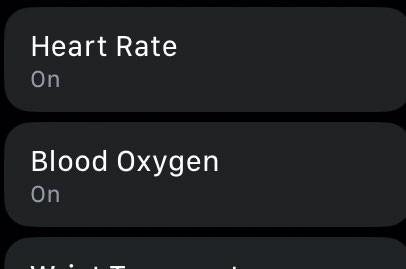
If you don’t want your Watch to track your heart rate or blood oxygen, you can turn that off in Settings.
Health & privacy
With watchOS 11 your Apple Watch is keeping an eye on all kinds of health data, so protecting your privacy is really important.
All of your health data is processed on your watch and on your iPhone rather than being sent to faraway servers, and if you’re backing up to iCloud those backups are encrypted. With the exception of your Medical ID, all of your health data is encrypted whenever your watch is locked. If you’re running iOS 18 or later you can also lock the Health app on your iPhone behind Touch ID or Face ID, or hide it from your Home Screen.
The new Vitals app is designed to give you the big picture of your key health metrics.
To do that it combines your respiratory rate, your blood oxygen, and your wrist temperature with related health data such as your alcohol consumption and medications (if you want it to). There’s more integration between the different health and fitness apps on your watch, including third-party apps, than ever before. And that means that collectively they can deliver a more detailed, more personal and more useful guide to your health with really useful contextual information.