Set up multiple timers on iOS
Discover timers done right
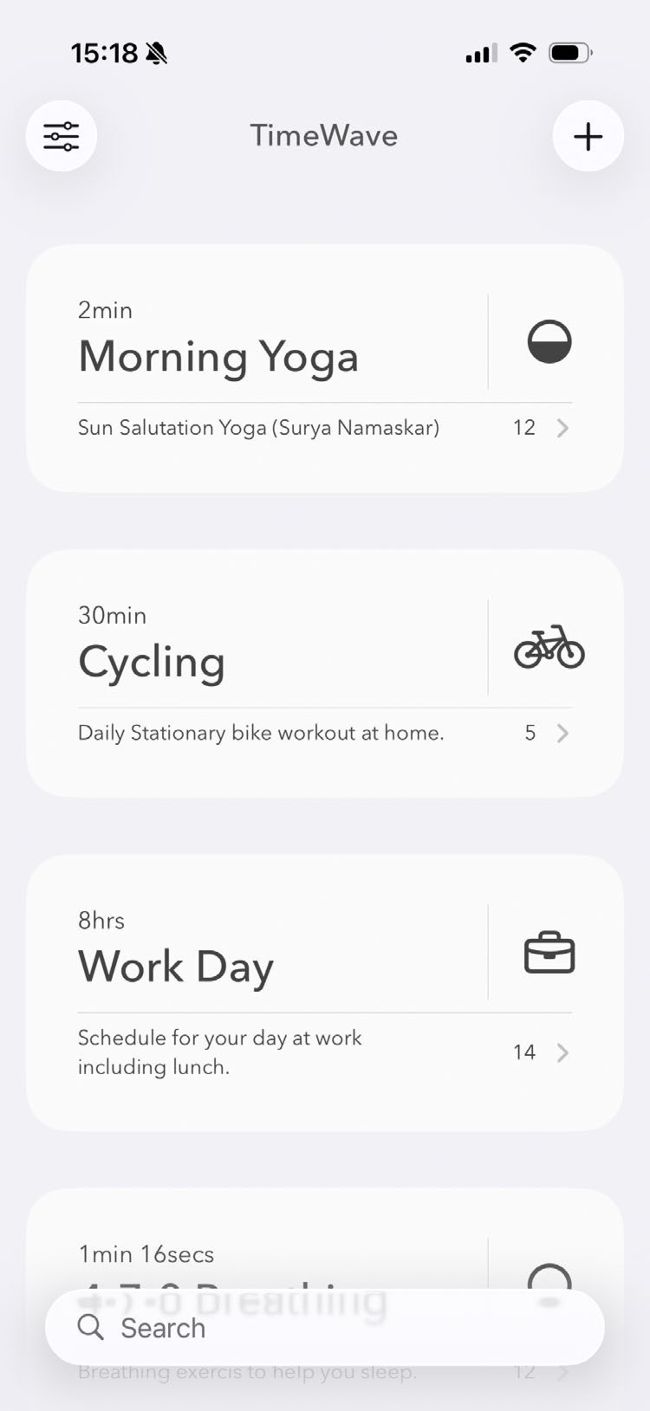
Image credits: Apple Inc, Muhammed Sahil Arayakandy
IT WILL TAKE
5 minutes
YOU WILL LEARN
How to create chains of timers using TimeWave
YOU’LL NEED
TimeWave (Free, offers IAPs, timewave.webflow.io), iOS 17 or later
Genius tip
On a timer’s page, tap Select Calibre Movement to change the timer’s visual style. There are three different options to choose from.
Apple’s timers have long been limited, and even with recent updates that let you set multiple timers at once, there’s a lot to be desired. TimeWave is far more capable, as it lets you set sequential timers that automatically activate one after the other. So, you could have a set of timers, with the first running for five minutes, then a second that starts when the first ends and runs for 10 minutes, and so on.