Create Apple Music playlists
Enjoy top–quality tunes wherever you go by building your own soundtrack
REQUIRES macOS 13 or later, Apple Music or iTunes Match sub (optional)
YOU WILL LEARN How to create and customize playlists in Apple Music for Mac
IT WILL TAKE 20 minutes
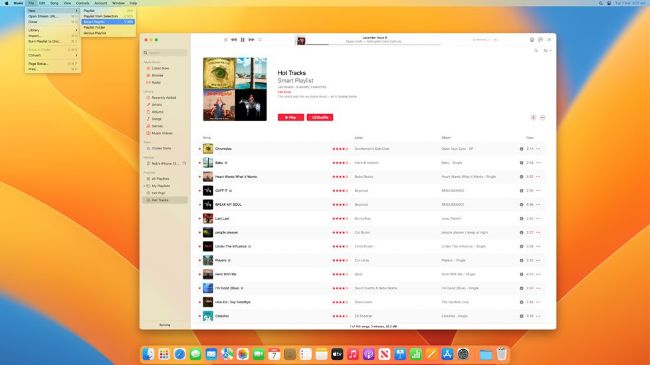
Learn how to build a Smart Playlist based on a selection of chosen criteria.
IF YOU’VE EVER made a mixtape or mix CD for a friend or significant other, then you’ll know how to create playlists — carefully curated compilations of favorite tracks that you can’t wait to share.
Playlists on Mac have existed since before the first version of iTunes in 2001 and, although they’ve been somewhat eclipsed by streaming audio and AI–generated “stations” on Apple Music, they still have a part to play. That’s because playlists are easy to create and fun to dream up, and with Smart Playlists you can even get the Music app for Mac to do the heavy lifting for you — by applying rules that can automatically include some tracks (those you’ve “loved”, say) while excluding others (those you’ve “disliked”). Plus you can save playlists and sync them across your devices, share them as stations on Apple Music and, yes, even in 2023, burn them to disc so you can share them old–school.