Become a Layers master
Get to know Photoshop’s base of operations with James Paterson – and transform your images with vintage brushed border effects
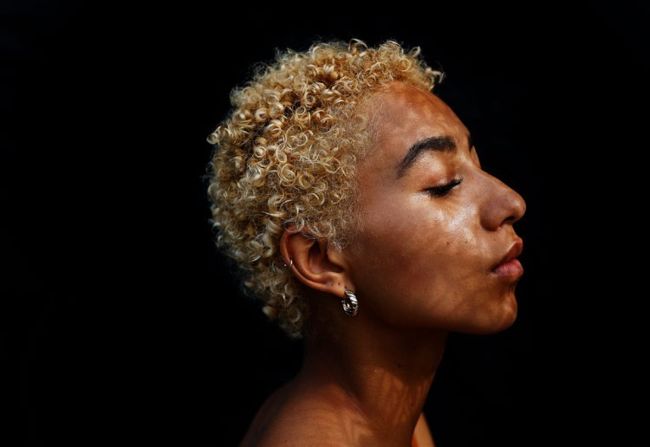
The Layers Panel is the nerve centre of Photoshop – learn to use it effectively to give your images a vintage film look.
Before
After
Download your files www.digitalcameraworld.com/dc287
Download your files and assets for this tutorial from the folders called ‘Photoshop – Layers Panel’, which include:
• 12 Photoshop brushed border images
• Eight minutes of video training
• Asset files
The Layers Panel is the nerve centre for pretty much everything that goes on in Photoshop. With it, we can create T and organise layers, craft effects with blend modes, make masks to aid us in compositing, add tonal adjustments and much more. Just as importantly, it helps us to keep each element or edit in our workflow separate and independent from each other, so we have the freedom to change a setting, tweak an effect or go back to an earlier point in the workflow at any time we like.