iOS 26 superguide
Camera & Photos
New look, new features
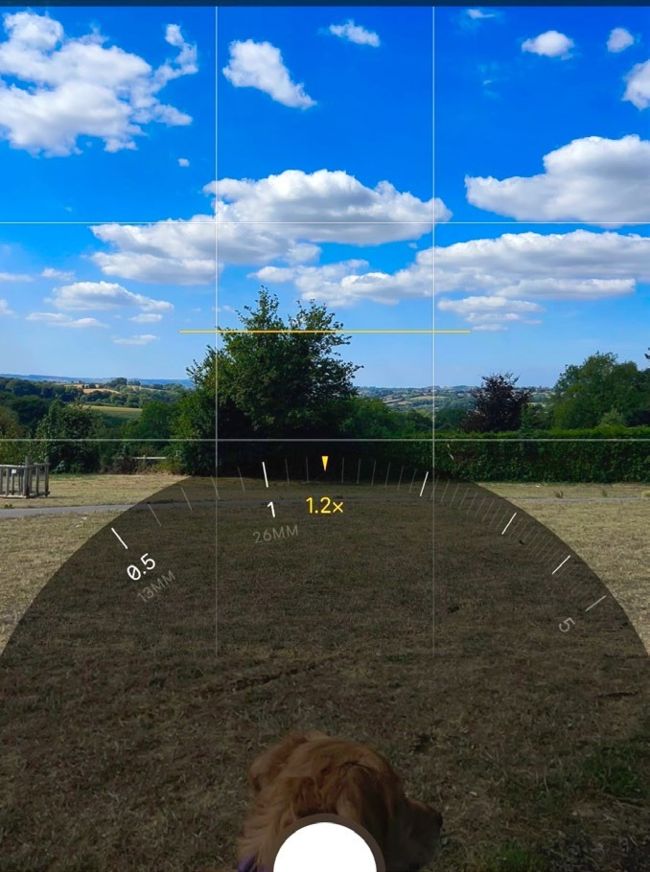
Image credit: Apple Inc
Let’s face it. The iPhone’s Camera app is extremely capable, but by iOS 18, it was a chore to navigate. Features were added over time, until the interface became bloated and awkward.
The zoom feature sits at the foot of the picture screen, and is easy to access and to use.
The Photos app
The Photos app almost takes a backwards step, with the interface more closely resembling the one used prior to its divisive iOS 18 redesign. The Library and Collections sections are in different tabs once more, and are accessible through buttons at the foot of the screen. Swipe the Library screen up or down and these two buttons shrink into a single icon, and are replaced by Years, Months and All options. Like the Camera app, the new Photos app is much more user-friendly than before.