Mac hardware
Mac hardware
We help to solve your hardware hassles, from interrupted upgrades to running diagnostics
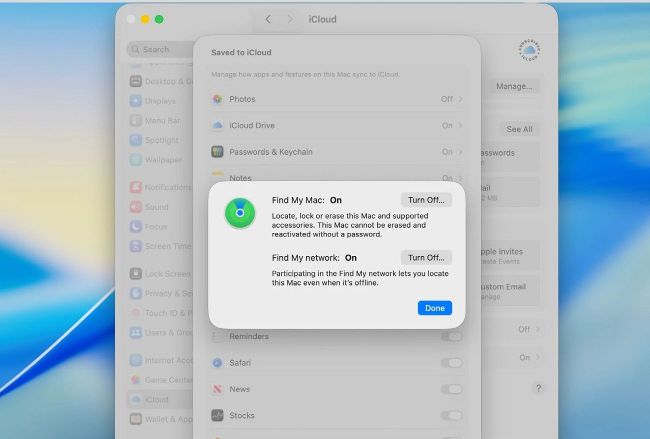
As well as protecting your data using FileVault, turn Find My Mac and Find My network off before your Mac goes in for repair.
Prepare your Mac for service
QWhat do I need to do to protect the contents of my Mac when it goes into Apple for repair? by ADAM GALAI
AApple stores and authorised service providers should no longer need to start up Macs in the normal way when being repaired or serviced, which would have required your password and given the technician access to your files. However, if you can take a few minutes to prepare your Mac before taking it in, it will make their job easier.
If your Mac still runs normally, make a full backup in case you need to restore from that when your Mac is returned. Then turn off Find My Mac in iCloud settings after clicking on See All for its ‘Saved to iCloud’ section. If you can’t do that, remove your Mac from iCloud by accessing your account at iCloud.com. If it’s an Intel Mac with its firmware password set, start it up in recovery mode and turn that off, or the technician will be unable to do anything.