Safari, Reminders and Notes
Safari, Reminders and Notes
Tweaks and improvements for everyday use

Safari can use Apple Intelligence to create a quick summary of web page contents
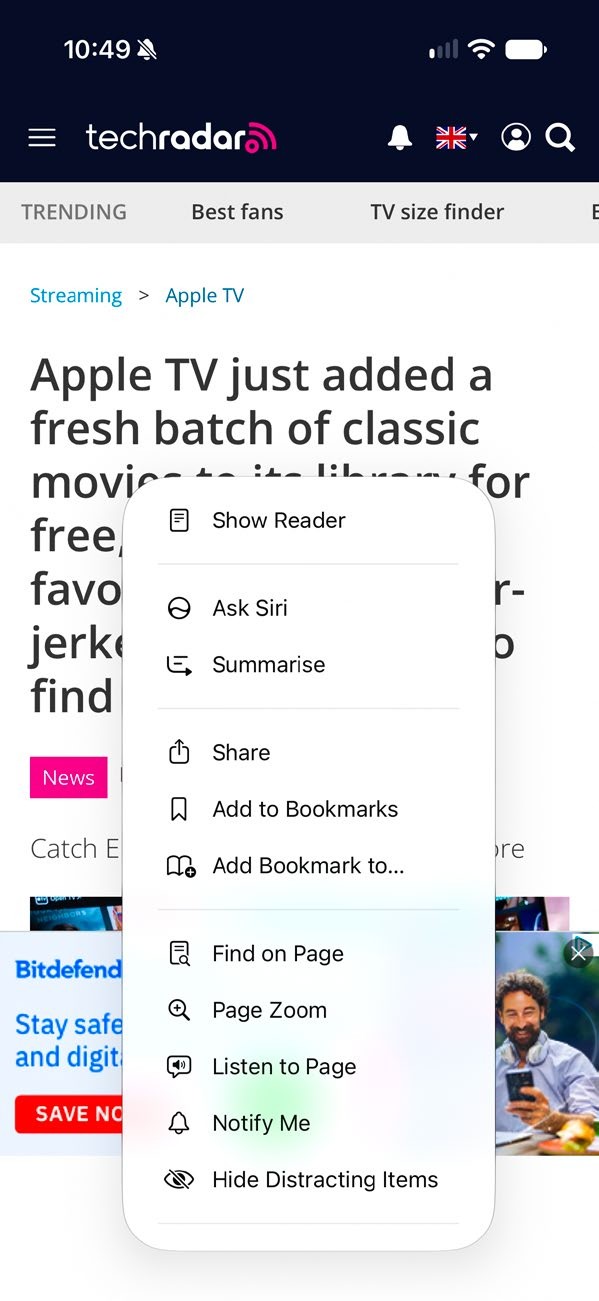
Safari’s interface has been overhauled: tap in the left of the address bar to access key features.
There are some huge improvements in Safari, Reminders and Notes if you have Apple
Intelligence, but even if you don’t there are some worthwhile additions. The new formatting and linking features in Notes are really handy, and the ability to have a larger Home Screen widget for Reminders is useful if like us
Reminders is where you keep your shopping list. Safari’s interface has been streamlined for easier everyday use, and there’s a new Ask To Browse option in the Family settings that you can use to keep the kids away from dark corners of the internet.