Best iPad art apps
Group test
Get creative with these top tools
Reviewed by HOLLIN JONES
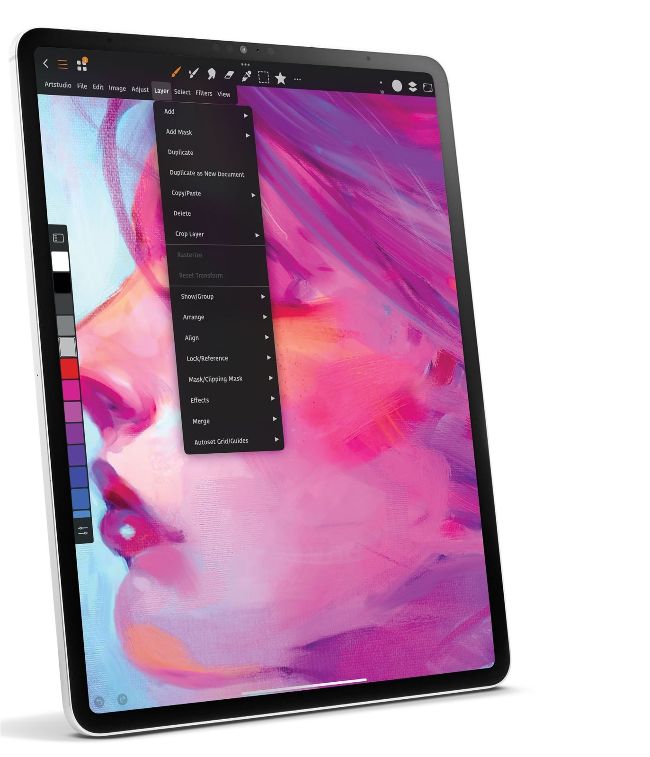
Image credit: Sylwester Los
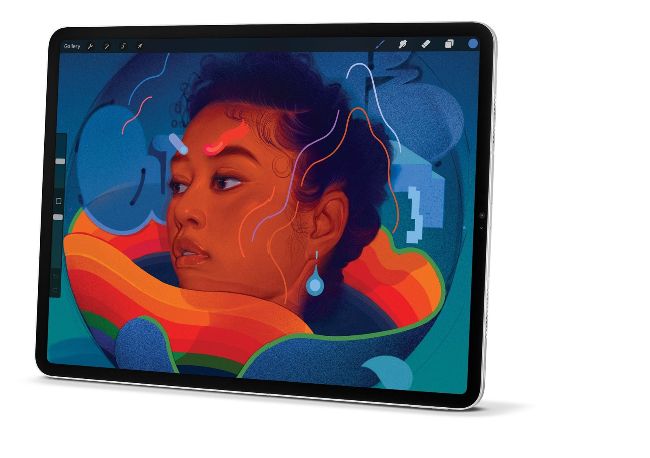
Image credits: Lofopi Ltd, Sylwester Los
The iPad is the perfect platform for creating digital art. With the computing power of a notebook but the surface area of a graphics tablet it combines the best of both worlds, especially when paired with an Apple Pencil. And though some may prefer to work with real paints, the sheer breadth of options you get with an iPad art app are hard to beat. Want to switch from charcoal to pencil to spray can to oil paint? Or have a hundred documents on the go? It’s a breeze with software.
Though some of the apps on test lean heavily towards traditional brush-based painting, others incorporate more modern graphic design tools as well, enabling you to create up-to-the minute masterpieces as well as blending old and new techniques. Unlike a physical canvas you get all the benefits of modern technology like layering, undo, import and export of media and a vast number of brushes, colours and styles. Best of all, many of these apps are inexpensive to buy, even if some also use a subscription model. Discover which one works best for you with our guide to the best art apps on iPad.
ON TEST…
> ArtRage Vitae
> Art Set 4
> Artstudio Pro
> Illustrator for iPad
> Inspire Pro
> Procreate
How we tested
We looked at the main focus of an app – does it encourage traditional or more modern painting techniques or a mixture – as well as the cost of entry and the level of any subscription requirements. Compatibility with input devices like Apple Pencil is a given but we assessed how well this worked in terms of options, and the scope and quality of the brush, pen and other tools on offer. Workflow efficiency and learning curve were also key considerations.