Customise your Bike
Using scripts and shortcuts
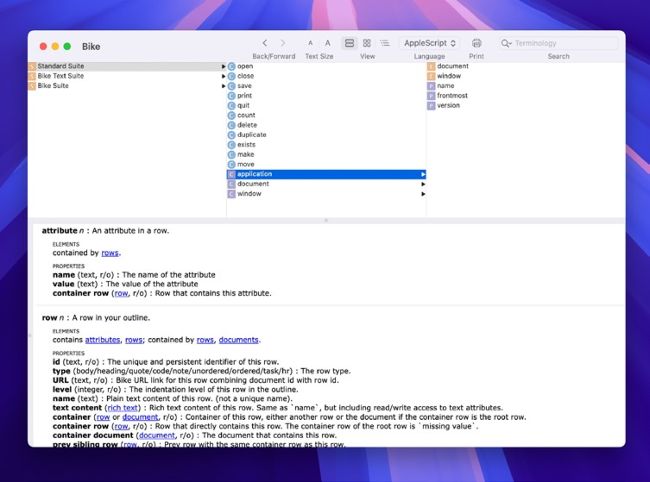
Image credits: Apple Inc, Jesse Grosjean
The ability to use scripting turns Bike Outliner into a powerful and flexible tool. Example scripts can be found on the Bike extensions wiki (bit.ly/mac417bikeextns) and run in Apple Script Editor. If you want to try creating your own custom scripts, you can view Bike’s scripting dictionary by dragging the app icon into Script Editor. You can also use Apple’s Shortcuts (macOS 13 or later) to create custom shortcuts; examples can be found on the Bike extensions wiki, including ‘Document Hub’ to create links from a hub document to new documents.