Mac hardware
We help to solve your hardware hassles, from interrupted upgrades to running diagnostics
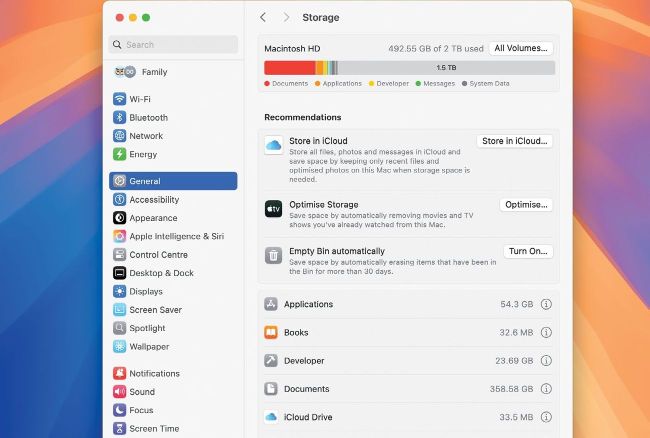
While the barchart in Storage settings may confuse, its recommendations can help free up space on the internal SSD.
How much free space is needed?
My Mac’s internal SSD is only 256GB. How much do I need to keep free?
by TIM WICKHAM
A An absolute minimum of 40GB is required to allow sufficient free space for most macOS updates, but even that can prove insufficient at times. This is because of temporary storage requirements for caches and snapshots that can’t always be freed when desired. A safer lower limit of 50-60GB is wise, but that also assumes your Mac has sufficient physical memory not to need to use virtual memory swap space on disk. You can monitor that as Swap Used at the foot of Activity Monitor’s Memory view.