MAC VS PC
Switching from Windows to Apple
What do you need to know when considering a switch of computer systems from PC to Mac
Ask Brian!
Confused with your Canon DSLR?
Email EOSSOS@ futurenet.com
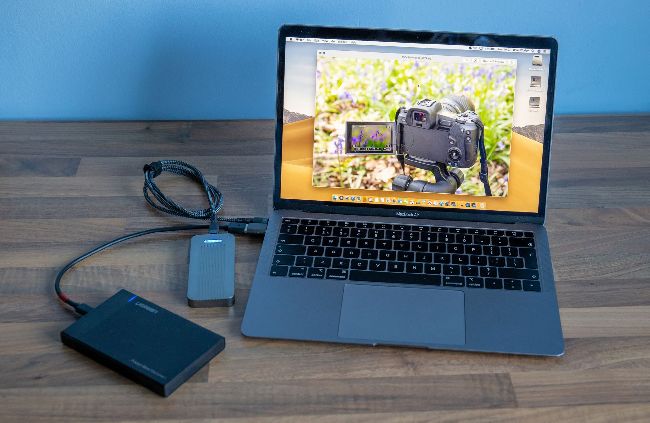
External drives use different formatting for Windows and Mac, but you can read Windows formatted drives with a Mac
J ohn Barnes from Morpeth asked if there was anything that he might find different for photography software if he switched from a PC to a Mac.
Canon’s main apps; EOS Utility, Picture Style Editor and Digital Photo Professional exist on both OS, and a switch means you’ll need to redownload the software. Photoshop and Lightroom on a subscription doesn’t mind what platform you use. Often when you buy a software package outright you get it for a specific computer platform, and if you switch you may need to buy a new copy. Affinity Photo has paid for versions for PC and Mac, for example.
One of the oddities often seen in magazines is that on Windows the CTRL key is the main modifier, but on the Mac it’s the CMD key. To a large extent you can interchange the two, though for extra confusion the Mac also has a less used CTRL key.
One consideration is storage, specifically external drives. For larger drives Windows tends to use the NTFS filing system, whereas the Mac uses its own format. Windows can’t read from or write to Mac OS formatted drives, whilst a Mac can only read from NTFS drives, but not write. Software exists to bridge this, but often it’s easier to move the data to a new drive and then reformat the old one in the new format.