Auto tweaks for landscapes
Auto tweaks for landscapes
Save time when editing landscape shots in Affinity Photo 2 by creating an all-in-one macro, with Wendy Evans
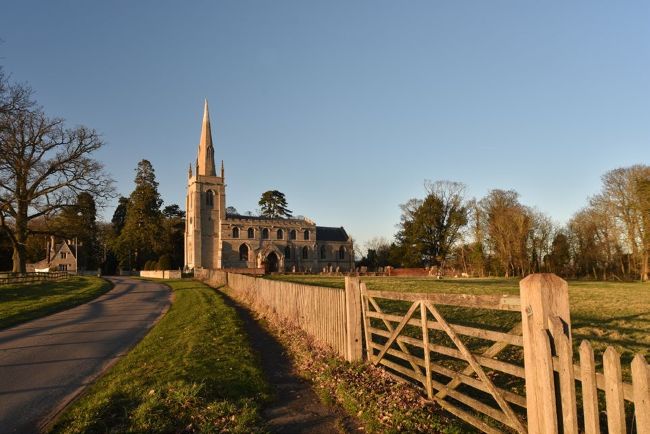
Before
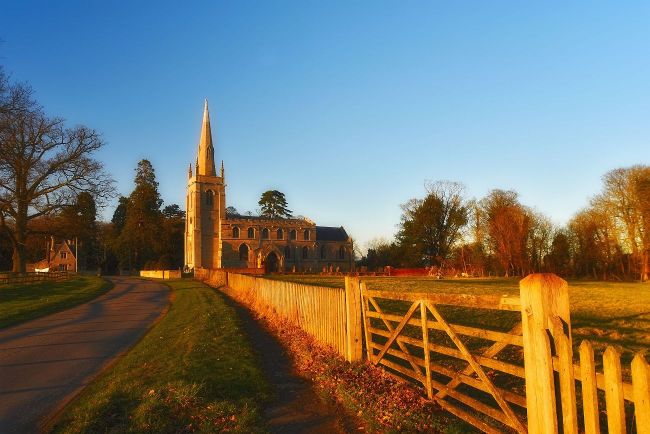
After
Wendy Evans
A lot of effort goes into editing landscape photos, and that’s even before you start cloning out rogue rubbish bins, pesky pedestrians and annoying aerials. But what if you had a macro function that could do all the heavy lifting, get you started on the essentials and could be modified and tweaked without automatically and permanently adjusting the image? That’s what we’re doing this month: creating an all-you-can-eat landscape macro with effect layers that you can edit.