It’s an ideal blend
It’s an ideal blend
James Abbott explores the creative possibilities of using Photoshop’s Blending modes and Adjustment Layers in tandem
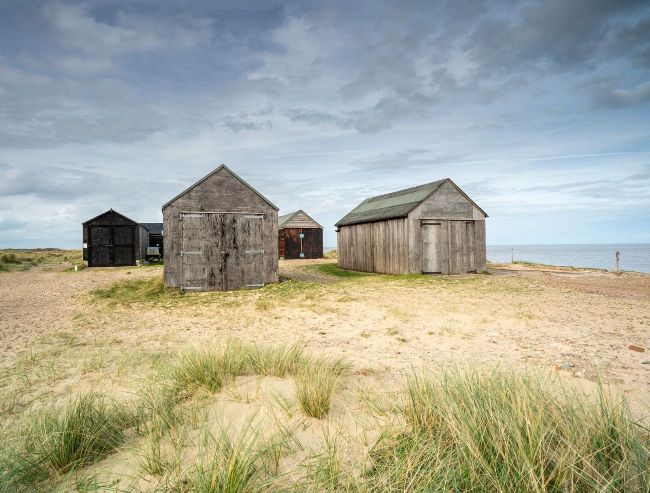
Before
There are many ways we can make creative adjustments to our shots in Photoshop, and despite the complex appearance of Blending modes, they’re an excellent way to make Adjustment Layers work even harder. Blending modes change the way that Layers interact with one another, delivering a wide range of effects and creative possibilities. But when combined with Layer Opacity, even further control is available. Blending modes control how the affected Layer’s pixels interact with the Layers beneath, adjusting aspects such as colour, contrast and brightness. So, for example, Multiply darkens, Screen lightens, while Overlay adds contrast. There are many other Blending modes, and you can experiment to see how they affect your Layers. If you’re not happy with an effect, try another mode or switch back to Normal.