Perk up your portraits
Perk up your portraits
Concluding our mini-series introducing ON1 Photo RAW MAX 2026, with Wendy Evans
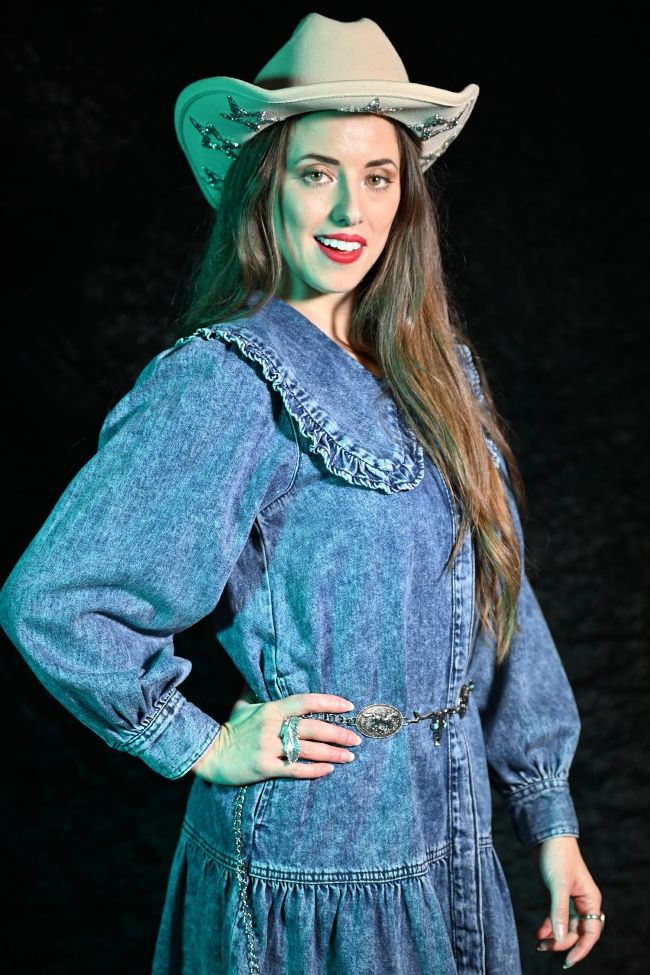
Use masking to apply multiple adjustments to specific areas, all at once.
EXCLUSIVE READER OFFER!
Get a 40% discount off ON1 Photo RAW MAX 2026, until 30 April
Go to this link: on1.sjv.io/dc26 and use the code: DIGITALCAMERA40
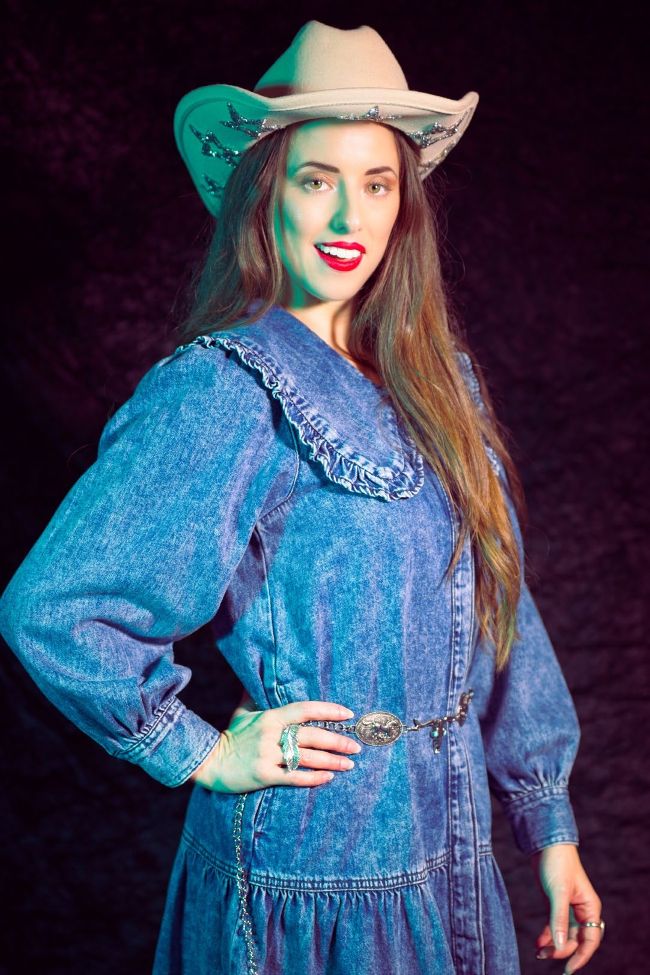
After
There’s a little of something for everyone in ON1 Photo RAW Max, and this month, it’s the turn of portraits. There are some different ways of approaching editing people, from using the basic tools on the left with the Healing brush to the automated, mask-based functions on the right. It’s best to do all the tweaks to the complexion first before you attempt the overall effects, such as applying LUTs. To get started, use the Browse section to find the image you want, then click on Edit. Use the Crop tool on the left to ensure the photo composition is correct.