APPLE SKILLS iOS
Create collaborative playlists
Sharing is caring – and sharing playlists is a pleasure on Apple Music
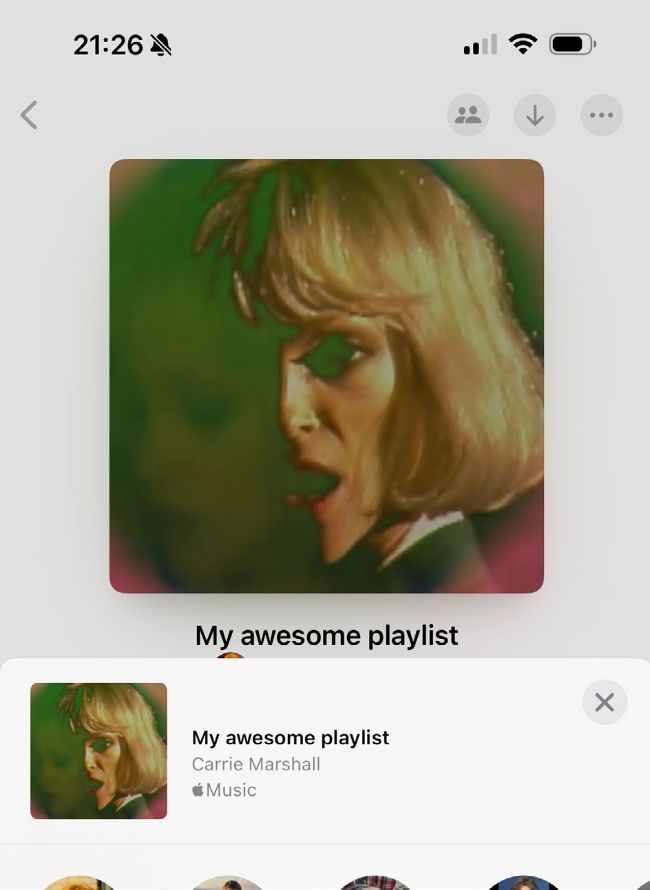
Image credits: Apple Inc, Loma Vista Recordings/Concord
IT WILL TAKE
10 minutes
YOU WILL LEARN
To create and share collaborative playlists
YOU’LL NEED
All those you’re sharing with to have an Apple Music subscription
Genius tip!
If you don’t want other people to add to or re-order your playlist, don’t use the collaboration option; just share the playlist as you would a photo or file.
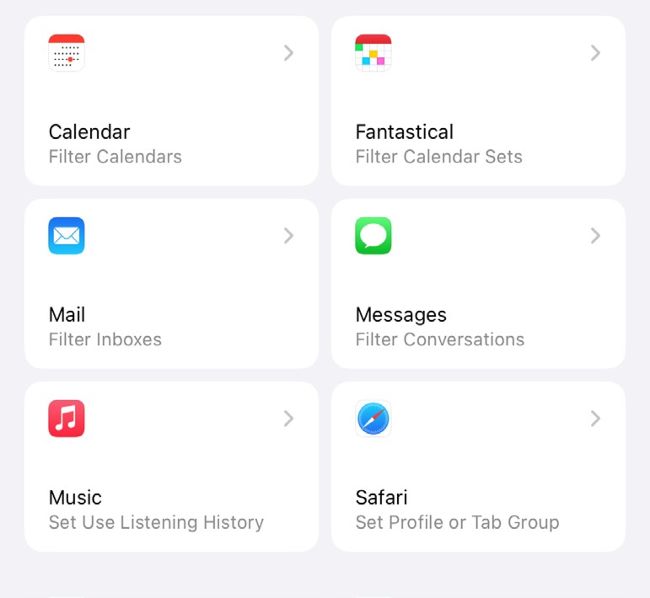
Use Focus Filters (Settings) to turn off Use Listening History so that your listening won’t affect future recommendations.
Music’s a social thing, which is why we flock to small clubs or big stadiums to be with our fellow fans. Obviously, listening to a cracking tune solo on your AirPods is great, but music is even more fun when it’s a shared experience. And one of the most fun ways to share it is to introduce your favourite music to other people.