Make healthier choices
Use your iPhone to scan barcodes for useful shopping advice
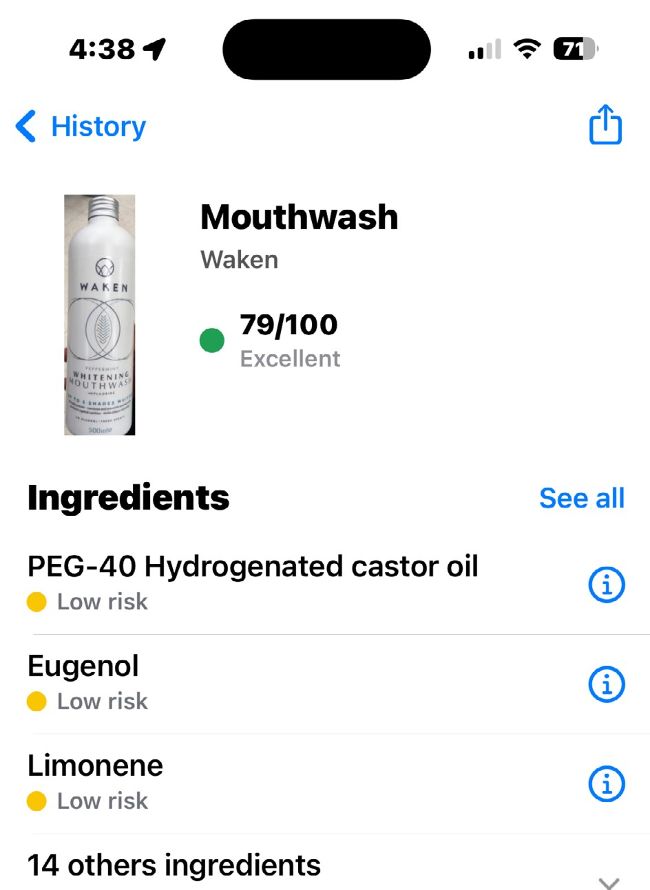
Image credits: Apple Inc, Yuka SAS
IT WILL TAKE 10 minutes
YOU WILL LEARN You’ll learn how Yuka can help you shop
YOU’LL NEED Yuka app (Free, IAPs), iOS 13 or later
Genius tip!
Yuka automatically adds all of its food and cosmetic recommendations to the Recommended tab, but you can remove any you don’t want.
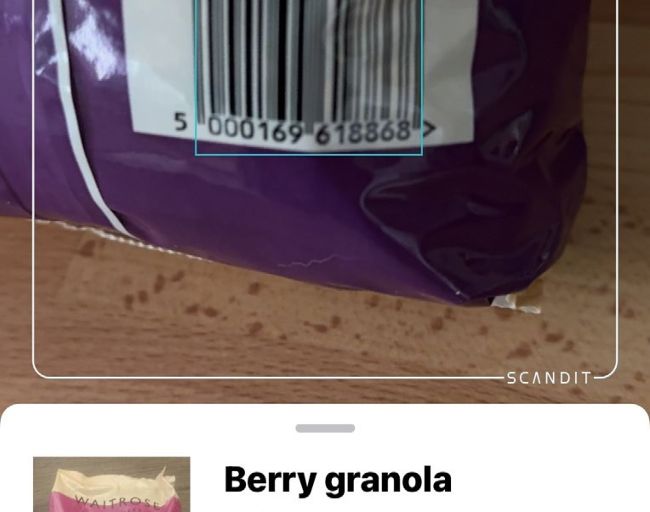
Looks like this Berry Granola’s going in our basket – Yuka has given it an Excellent rating with an 84/100 score.
Would you like to avoid food additives, potential allergy triggers and other unpleasantness – such as hazards that might be lurking in your make-up? (yuka.io/en) may be the app for you. It uses your iPhone camera to tell you what’s in food or cosmetics, warn you of potential issues and suggest other products you might want to try instead. As you’ll see in this tutorial, scores can be pretty Then Yuka scary: you can forget about that chocolate bar you were going to have as a snack. But if you want to avoid unwanted ingredients such as palm oil, saturated fats and specific additives, or find more natural cosmetic products, the app can be very useful too.