Get rid of distractions with a single click
It’s easy to tidy up images with Distraction Removal in Photoshop, says James Paterson
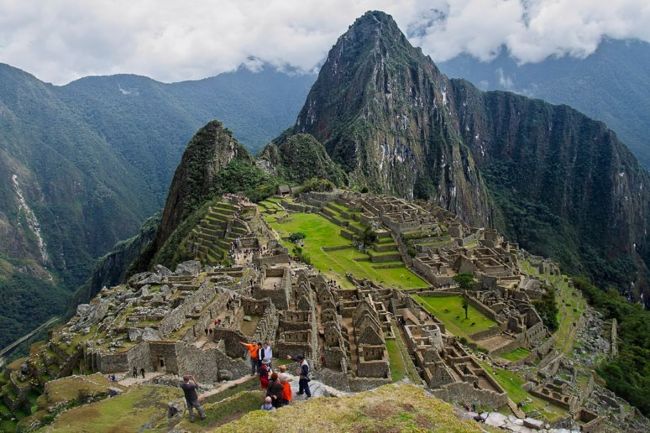
Too many tourists in this shot of Machu Picchu? Use the Distraction Remove tool and you’ll have the place to yourself.
Before
After
Forget all the fantastical image generators, bulldogs in bowler hats and Trump deepfakes. Rather than conjure F new, vapid images out of nothing, what we photographers need are AI tools that let us enhance our own photos. In this regard, Photoshop has been on something of a roll lately, releasing all manner of powerful AI tools designed to augment what we capture and speed up our editing process. The latest is the Remove Distractions feature and, in this project, we’ll take an in-depth look at how to use it.