Photo editing
Make use of advanced image-editing tools
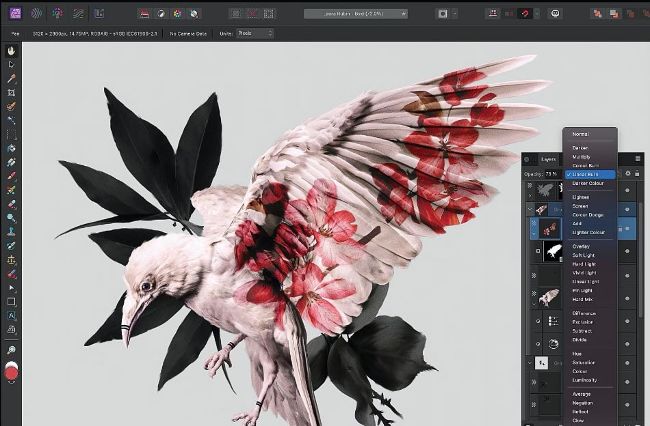
The extensive range of tools and features in Affinity Photo 2 enable you to transform your images.
Affinity Photo 2
Alternative to Photos
> $69.99
> FROM affinity.serif.com
> FEATURES Non–destructive adjustment layers and effects, full set of tools
While Apple’s Photos is fine for making basic edits and image adjustments, such as cropping shots and adding filters, Affinity Photo is a far more powerful editor. In fact, it’s so good that it’s a feasible cost–effective alternative to Adobe Photoshop, and for a one–off fee instead of a monthly subscription. Photoshop users should feel at home with its similar interface and wide range of advanced tools. Most notably, there are various layer types to play around with, enabling you to stack images and use blending modes to combine them. You can also use adjustment layers to affect how those below appear, testing various effects and drawing masks on any parts of a layer you want hidden or revealed. When it comes to filters, you can add effects such as blurring, distortion and noise non–destructively. This means you can modify or remove effects without having to undo other actions in the history.