Vision and hearing
Make your Mac easier to use by taking advantage of its display and sound capabilities
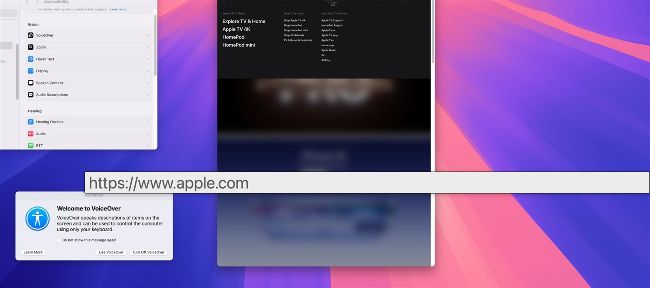
There are many options available to make it easier to see and hear your Mac.
THE FIRST TWO Accessibility sections you will encounter are primarily aimed at users who have either a visual or hearing impairment. You’ll find options that let you adjust the Mac’s display colors and enlarge text, and also discover features that work with a Braille display. Additionally, you’ll be able to pair “Made for iPhone” hearing aids or sound processors and not only stream audio directly from your Mac, but select Hearing Devices and make adjustments. Though aimed at those with impairments, many of the functions will also prove useful for other users. If you’re easily distracted, for instance, you can head to Accessibility’s Display section and prevent annoying animated images from autoplaying. You can also select Hearing and click Audio to activate background sounds. This will minimize any potential environmental distractions by having your Mac fill the air with the sound of rain, running water, fire and more, and you can adjust the volume to help you better focus on the task at hand too.