Speech and mobility
Use your voice to control your Mac and get it to talk on your behalf
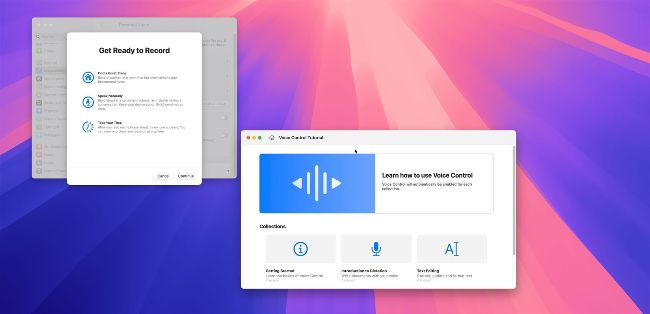
Many Accessibility options require some work to set up or understand, but it’s worth the effort.
WHETHER YOU PHYSICALLY struggle to use a keyboard or simply have your hands full while needing to use your Mac, the latest Accessibility features can absolutely be worth their weight in gold. By using the correct combination of settings, it’s possible to navigate your desktop without touching a single key. Instead, you could issue voice commands to open apps and interact with various on–screen elements, perhaps even using the camera on your MacBook or iMac to navigate using your head movements and facial expressions. You can also delve into the Switch Control settings and choose to navigate your Mac by using gamepad buttons or third–party accessibility devices. One thing’s for sure, with so many options to consider, you can personally tailor your Mac experience to suit your needs.