Upgrade your Mac
UPGRADE YOUR DISPLAY
Get more done by upping your available workspace
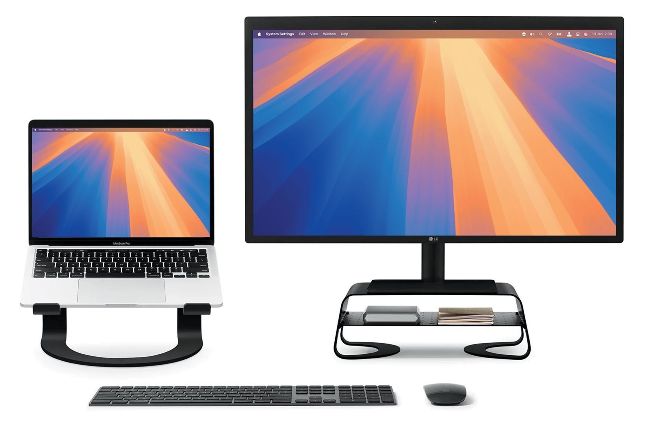
Increase your display space, and you’ll find most tasks a whole lot easier.
Image rights: Apple Inc, Twelve South LLC..
MODERN MONITORS HAVE come a long way in the last few years. These days, you can get a display with 4K resolution for under $200, and even the largest display sizes are becoming more affordable. If the monitor you use with your headless Mac is getting long in the tooth, or you want a second screen for your iMac or notebook Mac, perhaps it’s time to upgrade.
Having two displays is great for productivity. You can put menus, reference documents, and other such windows on the second display while you work on your primary screen. Alternatively, if you like to listen to music while you work, open the Music app on your secondary monitor, where it’s out of the way but still accessible. According to tech marketing, research, and management consulting firm Jon Peddie Research, having more than one monitor can increase your productivity by around 42%.