Upgrade your Mac
UPGRADE YOUR STORAGE
For when your internal storage drive isn’t enough
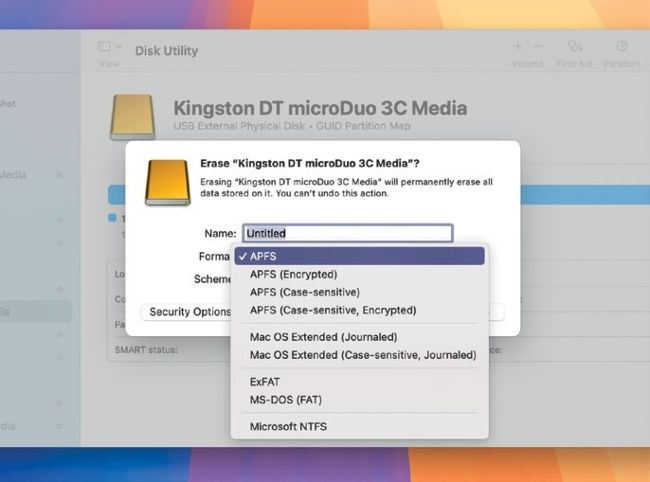
If your Mac can’t read your external drive, use Disk Utility to reformat it.
BACK IN THE old days, you could upgrade your storage by whipping out your Mac’s hard drive and replacing it with a bigger one. Okay, it wasn’t quite as simple as that, but replacing the internal drive was possible, unlike now.
These days, storage chips are soldered on to the logic board, and the only easily practical way to get more storage is to add an external drive to your Mac.
External drives come in two main types; SSDs (solid–state drives) store your data on chips, and are very fast to access, while HDDs (hard disk drives) use magnetic disks, and are slower, but you get more storage.
Another factor to consider is whether to get a portable or a desktop drive. A portable drive draws its power from the data bus — that is, when you plug it into your Mac, it uses whichever connectivity port you use for power as well as data.