quickstart
DOCTOR
THIS MONTH THE DOCTOR TACKLES...
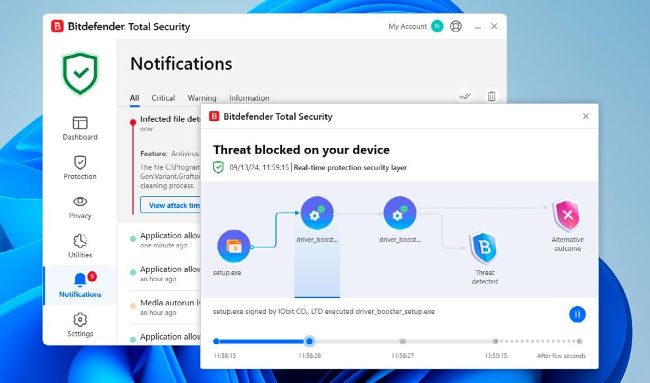
Bitdefender offers to explain why it’s blocked a possible threat.
© BITDEFENDER
> Move to new
> Temp files stuck
> Mask email address
Transfer legacy apps
What is currently considered the best (and easiest) way to migrate programs, settings, and so on to a new PC? I built my last machine back in 2009. Through the years, it has updated from Windows 7 to Windows 11 (with some effort), but has reached its limits. I have some legacy programs that currently work fine, but trying to reinstall may not be possible due to the fact that they were supplied on diskettes.
Ideally, I’d like to build a brand new machine and clone my existing unit—is that possible? Happy to pay for software.
—David Sollish
THE DOCTOR RESPONDS:
While it might be technically possible to clone your old hard drive and transfer it to your new PC, that will be fraught with difficulties, and likely cause other issues with an aging Windows installation, however good Windows is at reconfiguring and repairing itself when encountering new hardware.
A better option is to investigate software designed to transfer applications and settings, along with files from one PC to another. This means building your new PC and installing a fresh copy of Windows 11, along with the correct drivers for your system. Also, consider installing key software that doesn’t require porting over, such as third-party security software, if you use it.
Once your new PC is ready to receive the transfer, you can install the software on both old and new machines. Believe it or not, that software is PCmover from Laplink—yep, it’s still the number one choice for migrating apps, settings, and files from one PC to another. Its Home edition ($39.95, https://web.laplink. com/product/pcmoverhome) transfers apps, files, and settings, but only works with single-drive or partition systems, so if you’ve got multiple drives or partitions to transfer, consider its Pro edition ($59.95) instead. The program comes with a 30-day money back guarantee in case it’s unable to transfer those legacy apps across. The fact that you’ll be transferring from one Windows 11 PC to another should maximize your chances of success.