Master Accessibility on iPhone, iPad & Watch
Master Accessibility on iPhone, iPad & Watch
Make your on-the-go devices easy to work with too
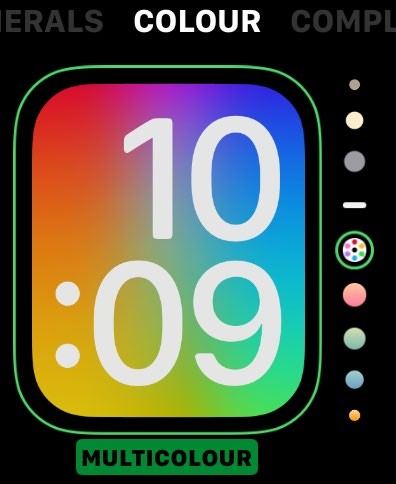
Apple Watch is packed with accessiblility features.
W
hile the tips so far have focused on the Mac, many Accessibility tools are also available on iPhone and iPad. You can even find Accessibility features on the Apple Vision Pro and Apple TV 4K. And, the very handy, ‘always on you’ Apple Watch boasts VoiceOver, Personal Voice, Zoom and various visual tweaks, such as X-Large watch face, which turns the whole screen into the current time.
With Accessibility, it’s often about stringing different features and functions together to find what works for you. Everyone has their own needs and focuses, so this section is full of practical suggestions you can try out for yourself.
1 Zoom on inIf you need to make something out that’s far away, use your iPhone camera. With the iPhone 17 Pro’s 40x digital zoom function, you can see detail from some considerable distance. Visually impaired users can zoom in on a print or on-screen digital timetable, read a barcode, or check the registration or service number of an approaching vehicle.