Some other tricks you can try
Some other tricks you can try
MacOS Tahoe is full of helpers and time savers – here’s a handy selection
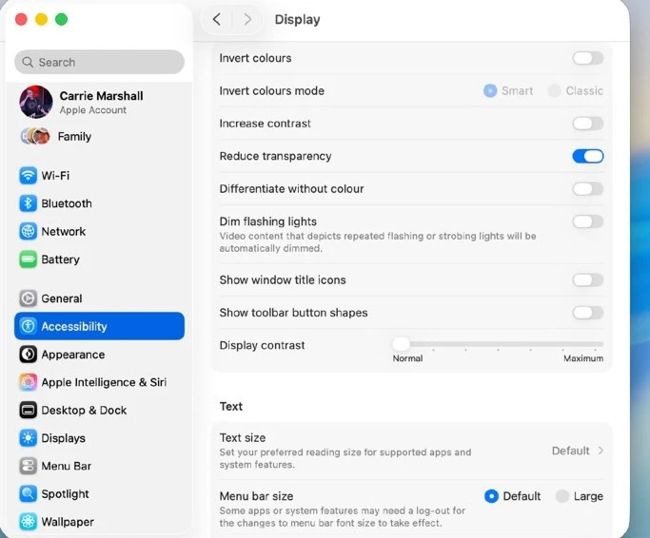
Accessibility hosts useful features for adjusting your Mac’s appearance, inputs and behaviour.
T
here are lots of other useful tweaks that can help speed up your everyday tasks. One such tweak is to change file associations, which are the apps your Mac uses to open specific kinds of files. Let’s say you want to open every PNG file in the Affinity app rather than the default app, which is Preview. To change that, select a PNG in Finder, press Cmd+I, and look for the section that says Open With. Use the menu there to select, say, Affinity (or any other photo app) and then click on Change All where it says ‘Use this application to open all documents like this one’. Once that’s done, double-clicking any PNG opens it in Affinity.
Supercharge Spotlight
Spotlight is more than just a clever search feature. You can use it to convert currency, weights and distances; to search the clipboard; or to find apps or folders. It can recognise music, change the case of copied text and more. You can make Spotlight search more focused by excluding certain apps from its searches in System Settings > Spotlight.