Work smarter not harder
Work smarter not harder
Get organised and stay organised with these top tips
Smart Folders enable you to createsimple or complex searches, and you cansave them for instant results every time.
O
rganising your Mac is like organising your home: it’s a lot easier to find things if you keep things in sensible places. Folders are your friend here: having sensibly named folders in places such as Documents or your desktop massively reduces clutter and makes things much easier to find, and Smart Folders enable you to turn searches into folders that automatically update when you open them. To create a smart folder in Finder, go to File > New Smart Folder. At the top right of the window, below the toolbar, click the ‘+’ to add criteria such as file types, creation dates or anything else.
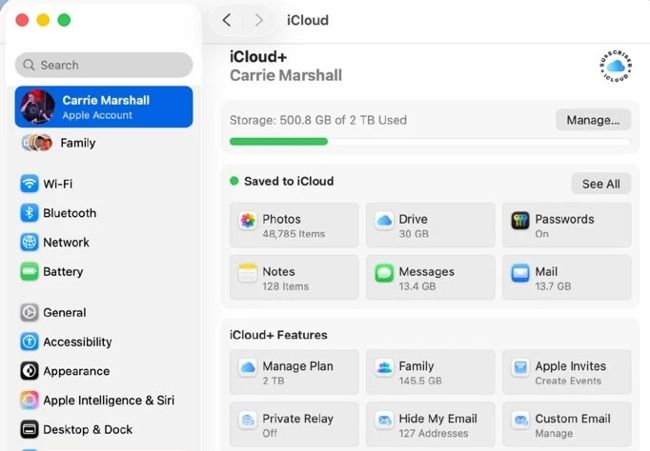
The iCloud part of System Settings enables you to control what apps sync via iCloud as well as keep an eye on storage usage.